
Notifications
Clear all

Topic starter
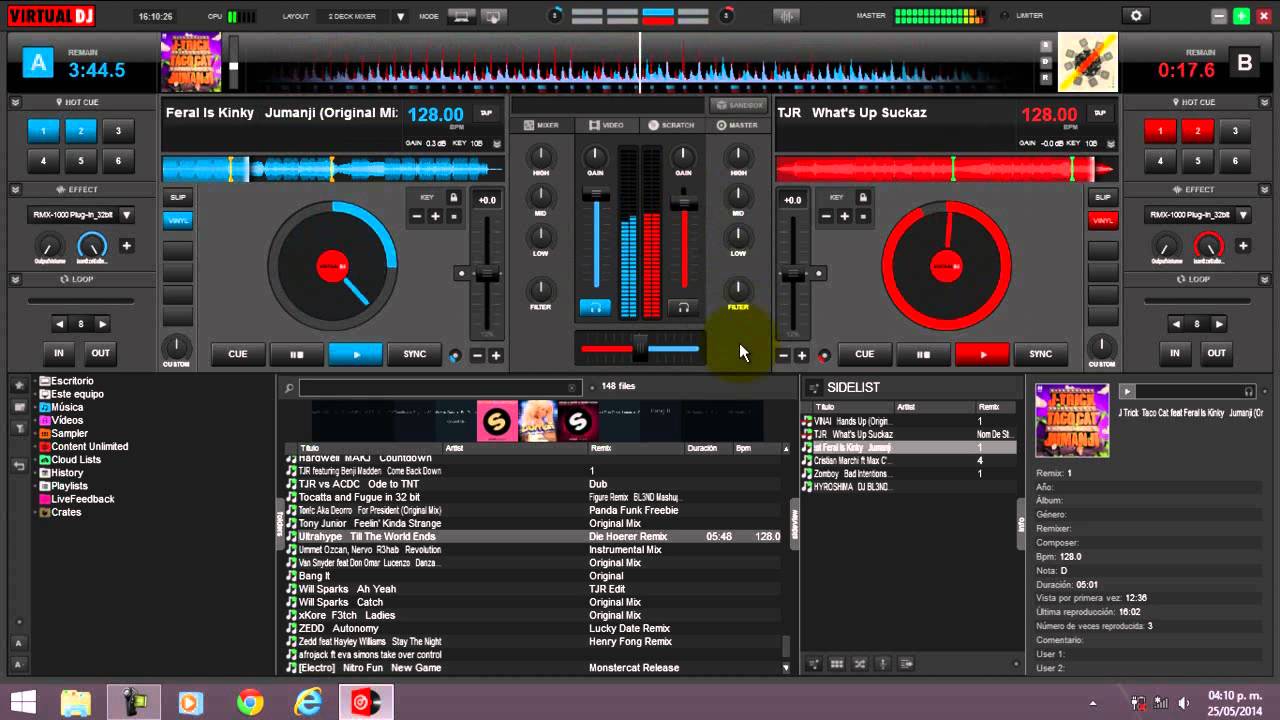
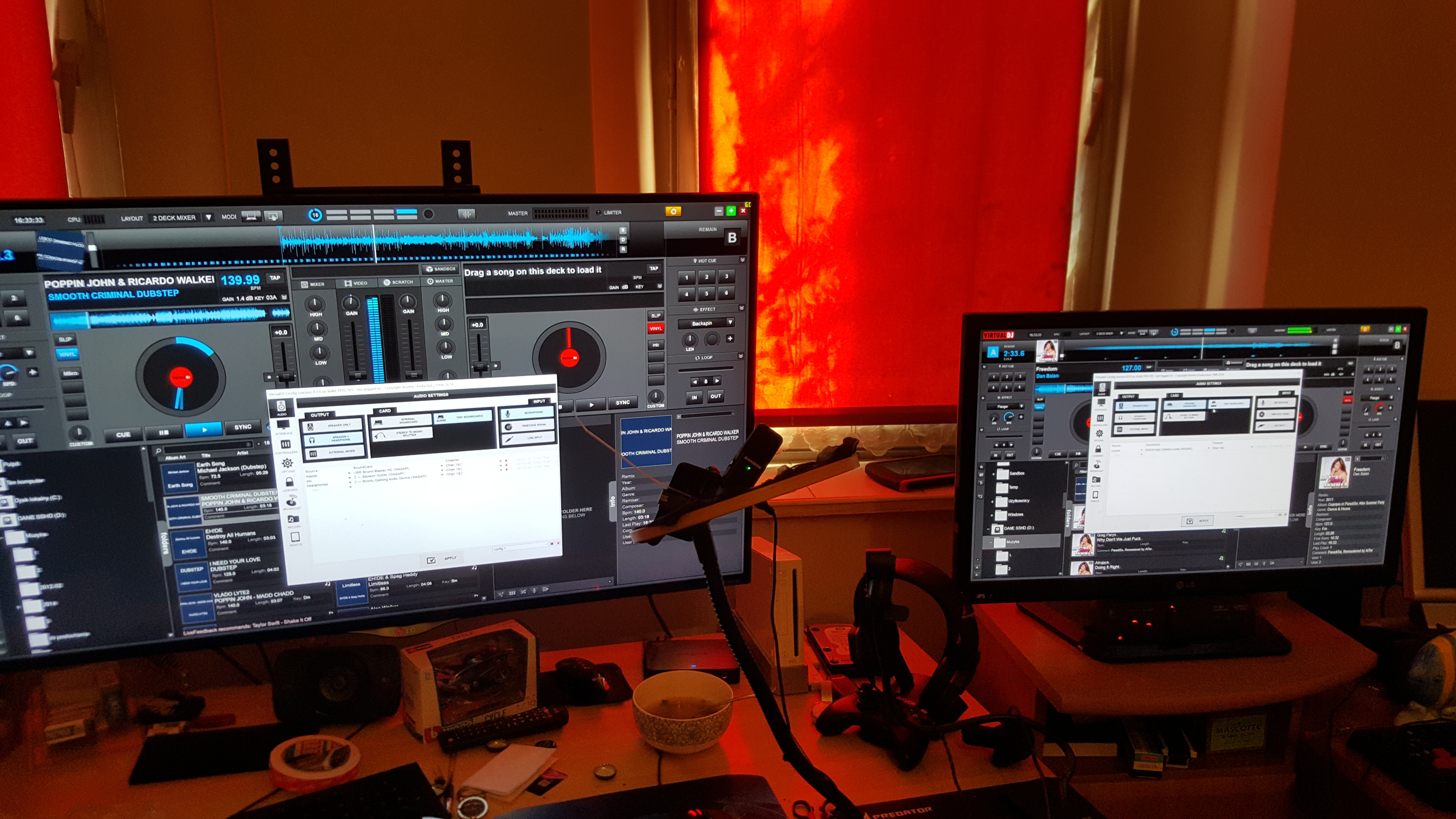
in simple steps :
1) download and instal (buy) on all workstation Virtual DJ
2) download and instal Sandboxie from official site http://www.sandboxie.com/index.php?DownloadSandboxie
3) Run on first workstation VirtualDJ
4) First station can stay in desktop/Virtual DJ. Second can run normal but if you hawe issue run by Sandboxie
4.1) REMEMBER to hawe 2 music card and set it to difrent workstation !!(best idea is too hawe 2 microphone - but best if you wanna play at the same time in a party will be third music card or external mixer - in my way work external mixer)
5) thats all enjoy your MIX 🙂
Posted : 22/09/2016 9:25 am
