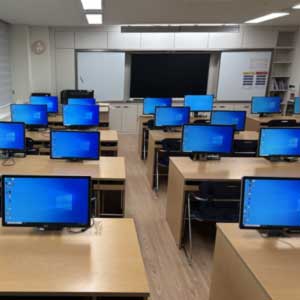
The School of Aeronautics (SOA) in Neemrana, operated by the Laxmi Narain Verma Memorial Society, is an aeronautical engineering college that provides technical education and practical training to students. Computer-based learning is an important part of the academic program, especially for activities related to engineering and machine drawing.
Our Requirement
Our Machine Drawing Lab is primarily used by students for computer-based machine drawing classes and related academic work. Our goal was to provide multiple independent computer workplaces while keeping the laboratory within a practical equipment budget. Rather than assigning a complete CPU to each workstation, we adopted ASTER multi-user connectivity software, which allows multiple students to work independently from a single host computer.
ASTER PRO-6 Implementation
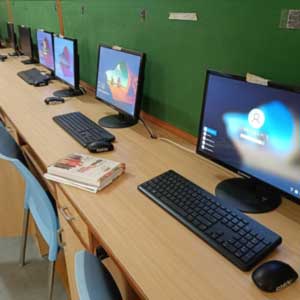
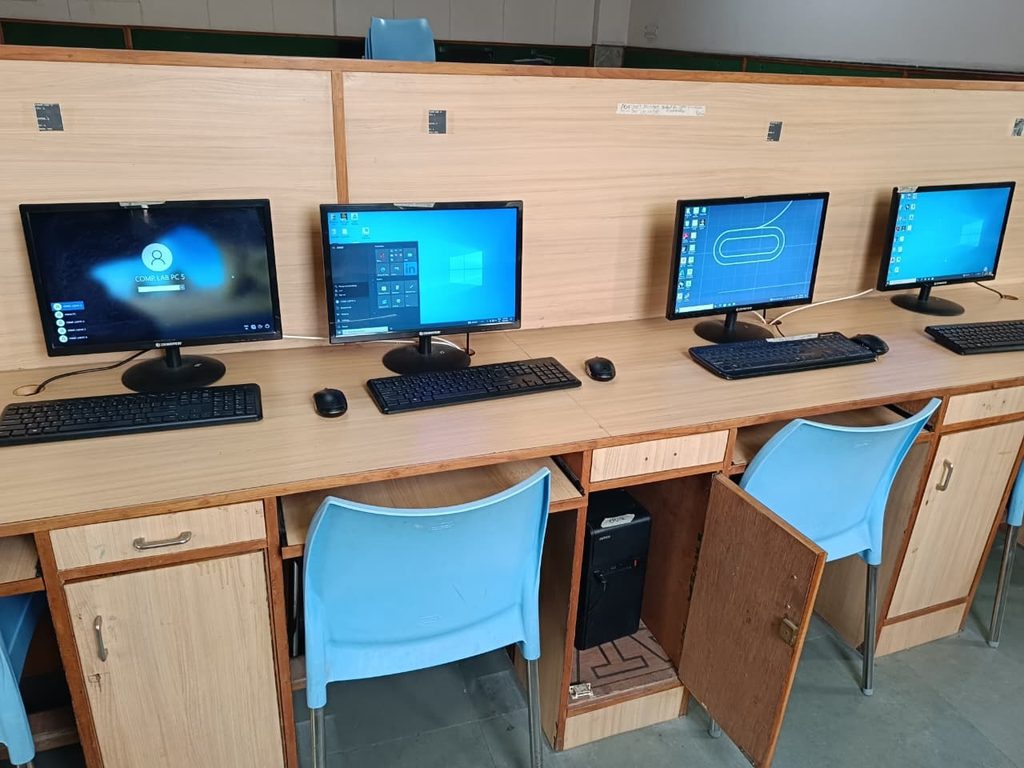
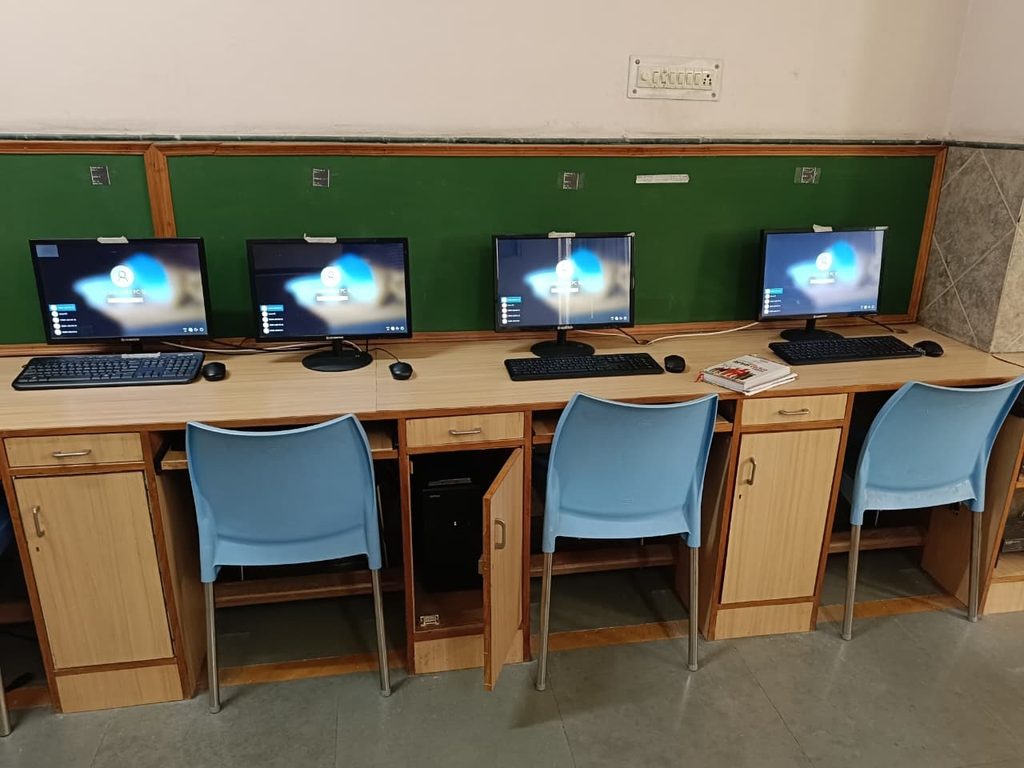
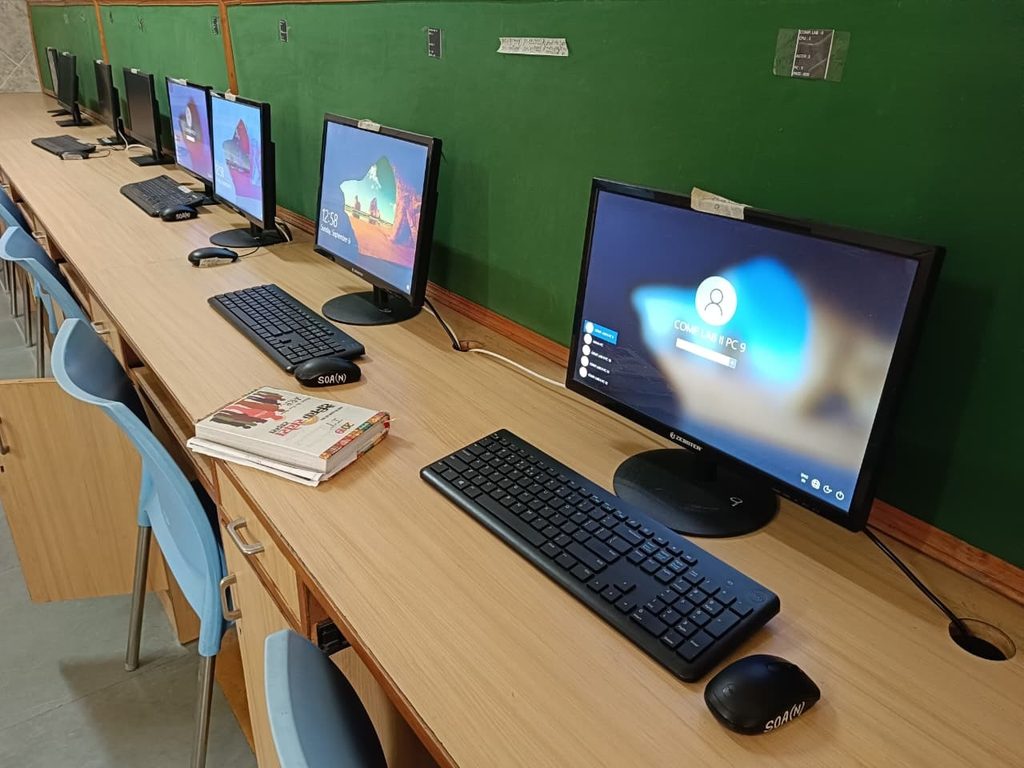
Since 2023, we have been using ASTER in our Machine Drawing Lab. Our setup uses one CPU as a host system and four standalone user workstations. Each user has an independent monitor, keyboard, and mouse, and can work simultaneously.
We purchased three ASTER PRO-6 lifetime subscription/license keys for the laboratory. This configuration supports four simultaneous standalone users from one CPU. This configuration has enabled us to increase the number of usable student workstations without requiring a separate CPU for each user.
| Implementation Detail | Our Setup |
| Institution | School of Aeronautics, Neemrana |
| Department / Facility | Machine Drawing Computer Lab |
| Use since | 2023 |
| ASTER product | ASTER PRO-6 |
| Lifetime license keys purchased | 3 |
| Users per host CPU | 4 simultaneous standalone users |
| Workplace arrangement | 4 independent monitor + keyboard + mouse stations |
Primary use | Student machine drawing classes and computer-based academic work |
Hardware Configuration of the ASTER Host Computer
The host computers used with ASTER in the lab are configured to support multiple users simultaneously. The current configuration includes:
| Component | Configuration |
| Processor | Intel Core i3 |
| Motherboard | MSI H410 |
| Memory | 16 GB Crucial DDR4 RAM |
| Storage | 1 TB Seagate SATA HDD |
| Graphics | NVIDIA Quadro P620, 2 GB GDDR5, PCI Express |
This configuration strikes a practical balance between performance and cost for our machine drawing needs. The dedicated graphics card is especially useful for graphics-oriented engineering applications and drawing tasks.
How We Use ASTER in the Lab
- A single host CPU is connected to four independent displays.
- Each workplace has its own monitor, keyboard and mouse.
- ASTER allows four users to work independently on the same host computer.
- Students can perform their assigned machine drawing work simultaneously.
- This setup eliminates the need to purchase, install, and maintain a CPU for each workplace.
Our Experience and Key Benefits
- Better use of hardware: One higher-capability host computer can support multiple independent student workplaces.
- Budget efficiency: The multi-user setup allows us to provide more usable workplaces while managing CPU procurement costs.
- Space efficiency: Fewer CPU cabinets are required around the lab, resulting in a cleaner, more organized workstation environment.
- Simplified maintenance: A centralized host setup can reduce the number of CPU systems requiring routine hardware maintenance.
- Suitable for academic labs: The setup has been useful for scheduled machine drawing classes where several students need access at the same time.
- Long-term use: We have been using ASTER in this environment since 2023, providing us with several years of practical experience.
Cost Efficiency and Savings
A major reason for adopting ASTER was to meet the laboratory’s workstation needs within our budget. With four users working from one host CPU, the model reduces the number of complete CPU systems needed for four simultaneous workplaces.
We did not include precise rupee savings in this case study because historical purchase prices for equivalent standalone PCs, peripherals, and associated infrastructure are not currently available in sufficiently documented form. Therefore, we prefer not to state an exact monetary savings estimate. The measurable operational benefit is the ability to provide four independent user workplaces from one host CPU.
If necessary, we can calculate the exact savings by comparing the original ASTER-based implementation cost with the documented purchase cost of four equivalent standalone PCs.
Conclusion
Our experience with the ASTER PRO-6 at the School of Aeronautics in Neemrana has been positive. Since 2023, we have used ASTER in our Machine Drawing Lab to create four independent student workplaces from one host CPU. This approach has enabled us to efficiently utilize available hardware and laboratory resources while maintaining a practical environment for computer-based engineering education.
The key value of ASTER for our institution is its ability to transform one capable computer into multiple independent user workplaces. This allows us to address the practical needs of our students while keeping the laboratory setup economical and space-efficient.
Customer feedback
“We have been using ASTER PRO-6 in our Machine Drawing Lab since 2023. The ability to provide four independent user workplaces from one CPU has been particularly useful for our students and has helped us meet our laboratory requirements within our budget. We appreciate the practical, multi-user approach and the flexibility it provides in our academic environment.”
School of Aeronautics, Neemrana
Under Laxmi Narain Verma