
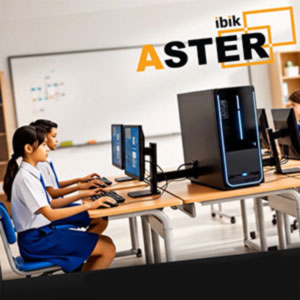
ASTER vs Virtual Machines: Multiple Workstations Without Powerful Hardware
Why Virtual Machines Require Powerful PCs
Virtual machines are a common solution for running multiple workstations on a single computer. However, this approach comes with a major drawback — high hardware requirements.
Each virtual machine runs its own operating system, which means:
- duplicated system processes
- high CPU and RAM usage
- increased load on graphics and storage
As a result, even basic office tasks may require expensive hardware upgrades.
How ASTER Works Differently
ASTER does not use virtualization.
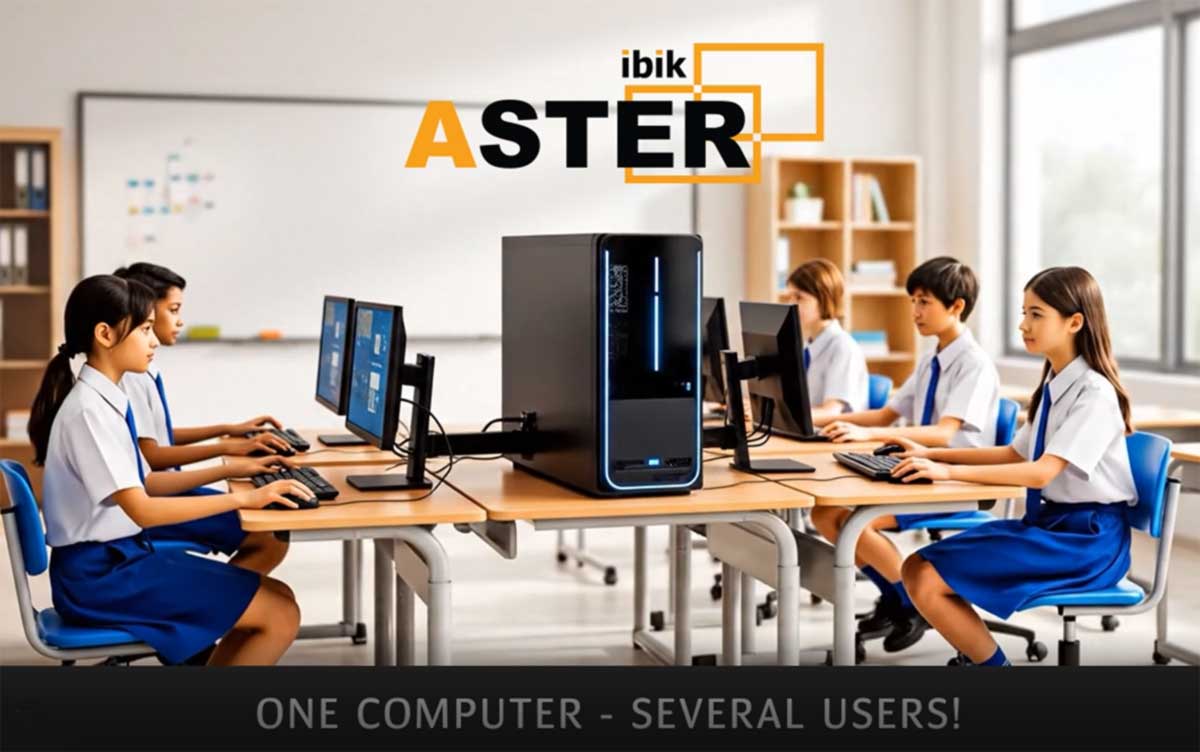
Instead of running multiple operating systems, ASTER creates several independent workstations within a single Windows OS.
This approach allows:
- shared use of system resources
- no duplicated operating systems
- significantly lower hardware load
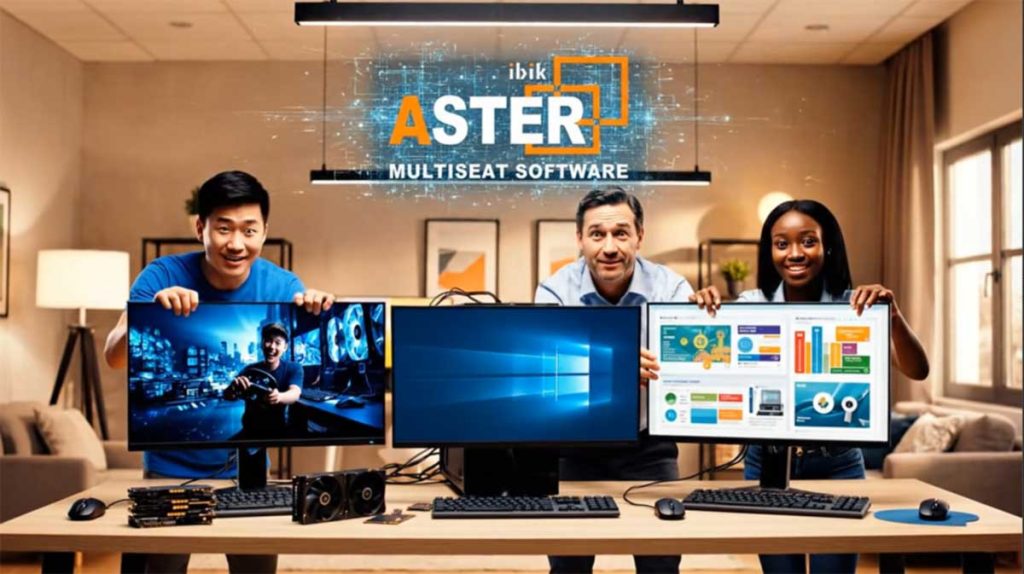
ASTER works directly with connected monitors, keyboards, and mice, assigning them to separate users.
Real-World Performance
In real scenarios:
- if a PC works comfortably for one user,
- the same computer can support 2–3 simultaneous users with ASTER.
No CPU upgrade.
No additional RAM.
No new graphics card.
Where This Matters Most
ASTER is especially effective for:
- offices and call centers
- schools and training rooms
- shared work environments
- cost-sensitive businesses
ASTER increases the number of workstations without increasing hardware costs.


